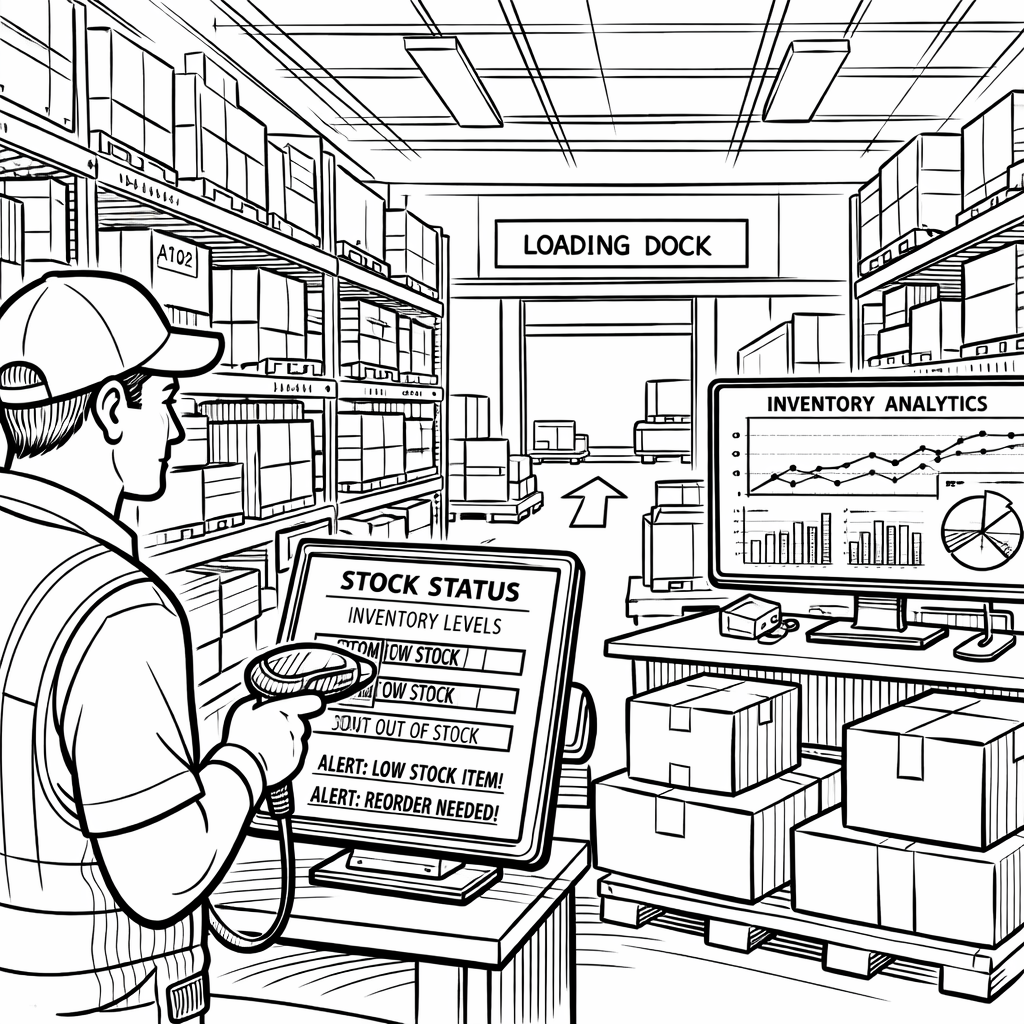

Running a warehouse without a proper inventory management system is like navigating a city without a map. You'll eventually get somewhere, but you'll waste time, miss turns, and run out of fuel at the worst moments. A warehouse inventory management system is the operational backbone that tells you exactly what stock you have, where it is, and what needs to happen next.
This guide covers everything you need to know to evaluate, compare, and choose the right solution for your operation.
Defining Warehouse Inventory Management System
A warehouse inventory management system (WMS) is software that tracks and controls inventory movement within one or more warehouse locations. From the moment stock arrives to the moment it ships out.
It gives operations teams accurate stock counts by SKU, bin-level location data across single or multiple warehouses, and the workflow logic to manage receiving, putaway, picking, packing, and replenishment without relying on manual processes or spreadsheet updates.
More advanced systems also integrate with demand forecasting, purchase order management, and sales channels, connecting warehouse operations to the broader supply chain planning layer.
WMS vs. Inventory Management Software: What's the Difference?
The terms are often used interchangeably, but they operate at fundamentally different layers of your supply chain and confusing them leads to buying the wrong tool for the wrong problem.
A warehouse management system is floor-level software. It's designed to control the physical movement of goods inside a warehouse: where a pallet gets put away, which bin a picker should go to, whether the right item was scanned before it went into a box. The WMS lives at the intersection of people, space, product and its primary users are warehouse managers and operations staff.
Inventory management software, by contrast, operates at the planning level. It's concerned with stock quantities, reorder timing, purchase orders, and availability across the business. Not with whether a specific bin in aisle 7 has been consolidated. Its users are planners, buyers, and finance teams who need to answer questions like: How much should we buy, when should we reorder, and are we at risk of stocking out next month?
The practical consequence of this distinction is significant. A WMS alone won't tell you when to reorder. It just tells you what you currently have. Inventory management software alone won't optimize your pick path or reduce mis-ships. This doesn't know your warehouse floor exists. Mid-market ecommerce brands often discover this gap the hard way: they implement one, assume it solves both problems, and end up in one of two places: accurate warehouse data with no way to act on it, or solid replenishment logic built on stock counts nobody trusts.
The strongest operations run both in tandem, with clean data flowing from the warehouse layer up into the planning layer in real time.
|
Warehouse Management System |
Inventory Management Software |
|
|
Primary focus |
Physical movement of goods inside a warehouse |
Stock levels, ordering, and availability across the business |
|
Key features |
Receiving, putaway, pick/pack, bin locations, labor management |
Purchase orders, reorder points, SKU tracking, reporting |
|
Best for |
Operations teams, warehouse managers |
Planners, buyers, finance, ecommerce ops |
|
Integrates with |
ERP, TMS, barcode scanners, conveyor systems |
ERP, sales channels, suppliers, demand planning tools |
|
Complexity |
Higher — warehouse-floor level |
Lower to medium — planning level |
In practice, many mid-market businesses need both. They need a WMS for the physical warehouse layer and an inventory management/demand planning solution for the strategic layer above it.
Core Features of a Warehouse Inventory Management System
Not all WMS platforms are built the same. These are the capabilities that separate functional systems from genuinely useful ones:
Real-Time Inventory Visibility
The system should update stock counts the moment a transaction occurs receiving, picking, transfer, or adjustment. Batch updates (even daily) introduce lag that leads to overselling, phantom stock, and incorrect replenishment triggers.
Multi-Location and Multi-Warehouse Support
If you operate more than one warehouse, a 3PL, or Amazon FBA alongside your own facility, the system needs to track inventory across every node in a single view. Siloed location data is one of the leading causes of misallocation and stock sitting idle in one warehouse while another location runs out.
Barcode and RFID Scanning
Manual data entry is the enemy of accuracy. A good WMS integrates with barcode scanners or RFID readers to make every receiving, picking, and shipping transaction scan-verified, dramatically reducing shrinkage and mis-picks.
Receiving and Putaway Workflows
The system should guide warehouse staff through receiving (quantity checks, damage inspection, PO matching) and putaway (directed bin assignment based on SKU, velocity, or rules). This is where inventory accuracy is made or broken.
Pick, Pack, and Ship Management
Optimized picking routes, batch pick support, packing verification, and carrier integration reduce fulfillment errors and labor costs. For ecommerce operations, this directly impacts order accuracy rates and return volume.
Cycle Count and Inventory Adjustment Tools
Full physical inventory counts are disruptive and slow. Cycle counting auditing a subset of SKUs on a rotating schedule. This keeps accuracy high without shutting down operations. The WMS should support this natively and flag discrepancies for review.
Reporting and KPI Tracking
Inventory turnover, fill rate, days of supply, pick accuracy, a WMS should surface operational KPIs in real time, not in a monthly report. Teams that wait for reports to identify problems are always reacting; teams with live dashboards can prevent them.
These features don't operate in isolation. Real-time visibility is only useful if your picking workflows are accurate enough to trust it. Cycle counting only works if your receiving process created clean data in the first place. The WMS platforms worth evaluating are the ones where these capabilities reinforce each other. Not a checklist of modules that were built separately and bolted together. When evaluating vendors, run a scenario through the full flow: a new PO arrives, gets received, put away, picked for an order, and reported. If any step in that chain requires a workaround or a manual entry, you've found your weak point before it becomes your problem.
Types of Warehouse Inventory Management Systems
Not every WMS is designed for the same type of operation. The architecture of the system determines how it gets implemented, who maintains it, how fast it can be deployed, and how well it adapts as your business grows. Understanding these distinctions upfront saves you from evaluating the wrong category of solution entirely.
On-Premise WMS
Software installed and hosted on your own servers. Higher upfront cost, more IT overhead, but maximum control over data and customization. Common in enterprise manufacturing and regulated industries.
Cloud-Based WMS
Hosted by the vendor, accessed via browser or app. Lower upfront cost, faster implementation, automatic updates. The dominant model for mid-market and ecommerce businesses today.
ERP-Integrated WMS
WMS functionality embedded inside a broader ERP system (SAP, Oracle, NetSuite). Strong for companies that want one platform, but often less specialized than standalone WMS solutions, and implementation timelines can stretch 12 to 18 months.
Standalone / Best-of-Breed WMS
Purpose-built warehouse management systems that integrate with your existing ERP and ecommerce stack via API. Faster to deploy, more specialized, and typically easier to configure for specific workflows.
For most mid-market ecommerce operations, the real decision is between cloud-based standalone and ERP-integrated. The standalone route wins on speed and specialization. The ERP-integrated route wins on consolidation, if your team has the bandwidth and budget to implement it properly. What rarely makes sense at this scale is on-premise: the infrastructure cost and IT overhead exist to solve problems most mid-market teams don't have.
Warehouse Inventory Management in Practice: 3 Scenarios
The features and architecture decisions above matter. Whoever they're easier to evaluate when you connect them to real operational problems. These three scenarios represent the most common situations that push mid-market ecommerce teams to implement or replace a warehouse inventory management system.
Scenario 1: You operate two warehouses and keep running into allocation mismatches
Your East Coast warehouse consistently runs out of your top 10 SKUs while the West Coast location sits on 90-day supply of the same products. The problem isn't your buying, it's visibility. Without a WMS that shows both locations in one view and flags imbalance against demand signals, allocation decisions get made manually based on gut feel or whoever shouts loudest.
A WMS with multi-location support and real-time inventory visibility eliminates this blind spot. Better yet, when connected to a demand planning layer, it can proactively flag rebalancing opportunities before the East Coast hits zero.
Scenario 2: Your pick accuracy is hurting your return rate
Your return rate is running at 8%. This is well above industry benchmarks. Also a significant chunk comes back as "wrong item shipped." Each return costs you the original shipping, the return label, reprocessing labor, and a customer who may not come back. Directed picking workflows with scan verification at each step typically reduce mis-picks to under 0.5%. The WMS pays for itself in return cost reduction alone.
Scenario 3: You're scaling from one to three warehouses in 18 months
A new 3PL partnership and a West Coast expansion are on the roadmap. Your current system tracks inventory in a spreadsheet refreshed nightly. At one location, that's manageable. At three, with different lead times, different demand patterns, and different stock profiles. It breaks immediately. Implementing a WMS before the scale-up (not during) is the difference between a controlled expansion and an operational fire drill.
What these three scenarios have in common is that the WMS alone solves the operational layer. The physical tracking, the picking accuracy, the location visibility. But the decisions that prevent these problems from recurring in the first place happen upstream, in how you plan demand, set inventory targets, and allocate stock before it reaches the warehouse floor. That's where the real leverage is.
How to Choose a Warehouse Inventory Management System
Choosing a WMS is less about finding the most feature-rich platform and more about finding the one that fits how your operation actually works today. Also, where it's going in the next two years. Most buying mistakes happen when teams evaluate software against a wish list instead of a problem list. These five steps keep the process grounded.
Step 1: Map your current operational gaps
Before evaluating software, document where inventory errors, delays, and data gaps happen today. Is it receiving? Picking? Cross-location visibility? Replenishment triggers? The WMS that solves your specific failure points is worth more than the one with the longest feature list.
Step 2: Define your integration requirements
Your WMS doesn't operate in isolation. Map every system it needs to connect to: ERP, ecommerce platform, demand planning tool, TMS, supplier portals. Prioritize vendors with native integrations or well-documented APIs for your stack. An integration that requires custom development adds cost, timeline risk, and a dependency you'll be maintaining indefinitely.
Step 3: Evaluate for your complexity tier
A 10,000 SKU operation with two warehouses has different needs than a 500 SKU DTC brand with one 3PL. Enterprise WMS platforms like SAP and Oracle are built for complexity at scale, but they come with implementation timelines and costs that don't make sense for mid-market businesses. Match the solution to your actual complexity, not your aspirational one.
Step 4: Assess total cost of ownership
License or subscription fees are the visible cost. Factor in implementation services, training, ongoing IT support, integration development, and the cost of downtime during cutover. Cloud-based standalone solutions typically carry the lowest total cost of ownership for mid-market operations because the infrastructure and maintenance burden stays with the vendor.
Step 5: Pilot before you commit
The best WMS on paper often fails in practice due to UI complexity, scanner compatibility, or workflow gaps specific to your operation. Run a structured pilot of 60 to 90 days on a subset of SKUs or one warehouse location before full deployment. If a vendor resists a pilot, that tells you something.
The goal at the end of this process isn't to find a perfect system. It's to find the one where the gaps are manageable and the strengths directly address your biggest operational risks. A WMS you can implement in 90 days and trust immediately does more for your business than an enterprise platform you spend 18 months configuring and never fully adopt.
Common Mistakes When Implementing a WMS
Most WMS implementations that go wrong don't fail because the software was bad. They fail because of decisions made before go-live and assumptions that were never tested. These four mistakes show up repeatedly across mid-market operations.
- Cleaning data after go-live instead of before
Dirty inventory data imported into a new WMS produces dirty results instantly. Data cleansing is pre-implementation work, not post. - Underestimating training time
Warehouse staff operating new scanning workflows need structured training, not a quick walkthrough. Pick accuracy drops at go-live if training is rushed. - Choosing enterprise software for mid-market complexity
SAP WMS and Oracle WMS are powerful. They're also 18-month implementations with seven-figure professional services budgets. Mid-market teams routinely overbuy and underdeploy. - Treating WMS as a standalone solution
A WMS tracks physical movement well. It doesn't forecast demand, optimize replenishment, or tell you when to reorder. Teams that expect WMS to solve their planning problems will be disappointed.
That last point is worth dwelling on. The operations teams that get the most out of a WMS are the ones that connected it to a planning layer early, so the accurate data flowing out of the warehouse actually drives decisions, rather than sitting in a dashboard that nobody acts on.
The Layer Above the WMS: Connecting Warehouse Data to Demand Planning
A warehouse inventory management system tells you what's happening on the warehouse floor. But the decisions that determine whether your warehouse runs efficiently. How much to buy, when to reorder, how to allocate across locations, happen in the planning layer above it.
This is where a WMS alone falls short. Real-time stock levels are an input, not a decision. To act on that data, your planning process needs to connect warehouse visibility with demand signals, supplier lead times, channel mix, and replenishment rules, across every SKU and location simultaneously.
Flieber is built for exactly this layer. It connects your sales and inventory data across channels and warehouses into one planning environment, so your team can see not just what stock you have, but what's at risk, what needs to move, and what to buy next. Flieber customers reduce stockouts by 62% and overstock by 17%, turning warehouse data into decisions instead of just records.
→ See how Flieber connects your warehouse inventory data to smarter replenishment decisions.